Client Portal
Welcome to your Bright Line Financial Services Client Portal.
This portal is your secure place to work with our team. It brings together document sharing, requests, approvals, and communication in one clear and easy-to-use space. Everything you need is accessible anytime through your web browser or mobile app.
What You Can Do in your Client Portal
Upload documents securely
Review and sign documents when needed
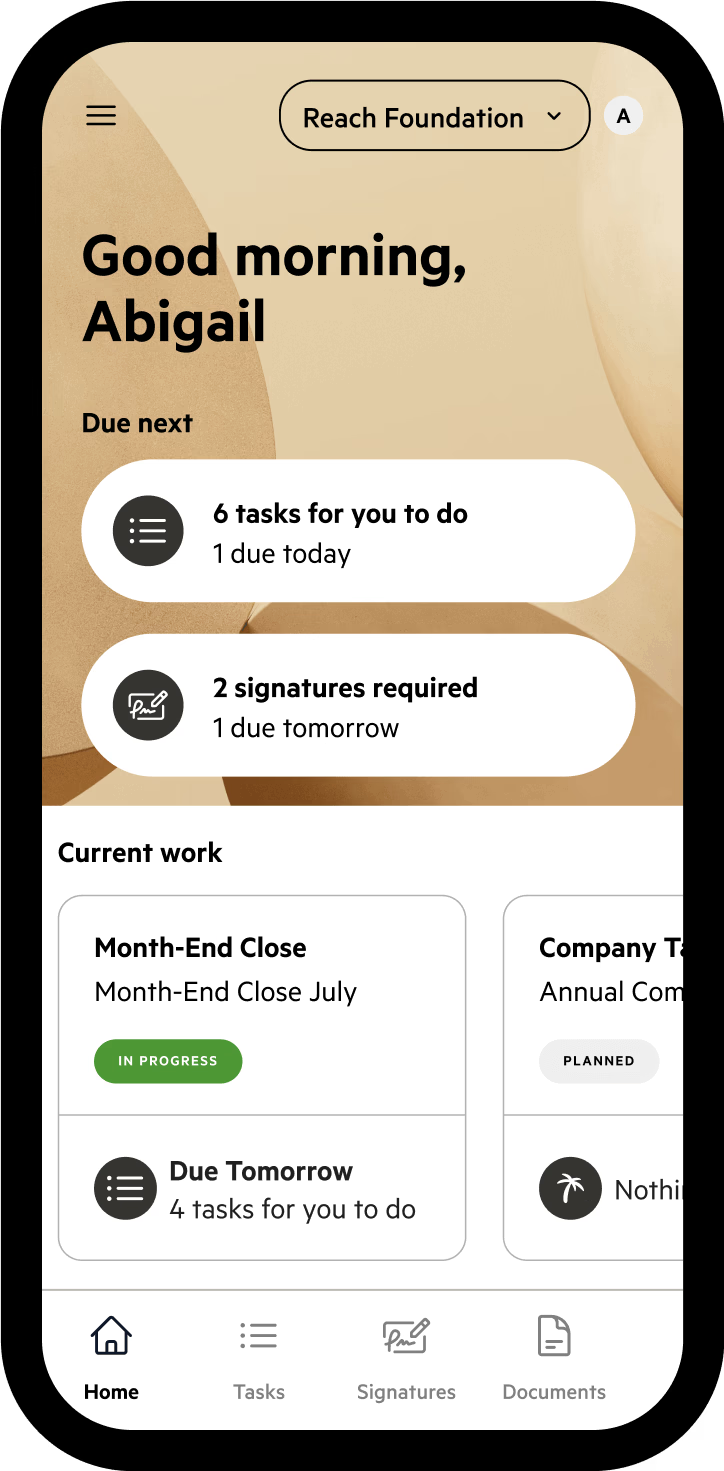
View requests and updates from your dashboard
Comment directly on tasks or documents
Track progress across your work with Bright Line
When receiving your magic link to login to the portal:
Login Through The Device
You First Receive The Magic Link On
You MUST complete the client portal registration through the device, and browser that you first opened the magic link on.
If you open the magic link on mobile the registration must be completed on mobile.
What Does This Mean?
If you open the link in a browser on desktop, you must complete the registration on desktop.
If you don’t continue on the initial browser and device the link will no longer work. This is used as an added security measure for your informations protection.
-
How To Create an Account and Login
Click on the 'Log In' Option from the “Client Requests” Email
Click 'Create an Account'
Enter the email address that we sent the Client Requests to
Add a password
Login

-
Not Receiving Emails?
The email went to your spam. Please check your spam inbox for an email from the Karbon Concierge.
Your Client Portal hasn't been created yet. Please review this video on creating a Client Portal login.

-
How to Reset Your Account
Click on the 'Log In' Option from your Client Requests
Click 'Forgot Password?'
Enter the email address you were sent the Client Requests to
You should receive an email shortly with a reset password link

Uploading & Requests
When we need information or documents, we’ll send you a request through Karbon. You can upload files securely, see what’s already been received, and mark items complete once you’re done.
Everything stays in one place, so you always know what’s outstanding.
Communication & Documents
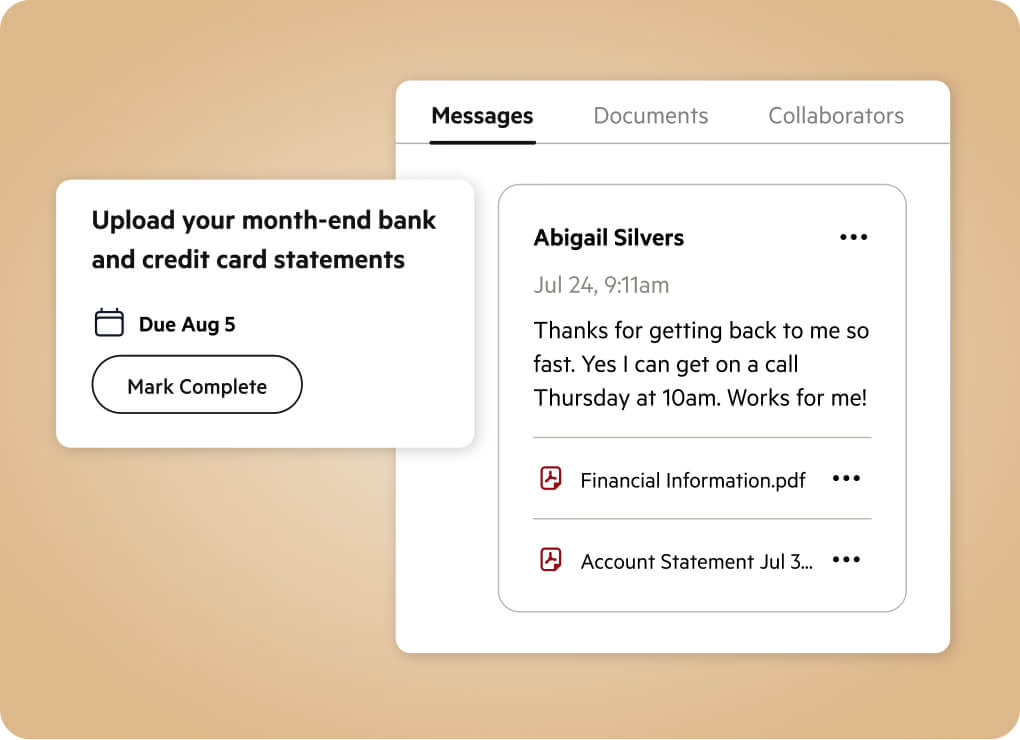
Comments stay attached to the right request or document, keeping conversations clear and easy to follow. No long email threads or lost attachments.
You’ll also have access to a shared Documents area where you can view, download, and search files anytime.
Approvals, Signatures & Multiple Companies
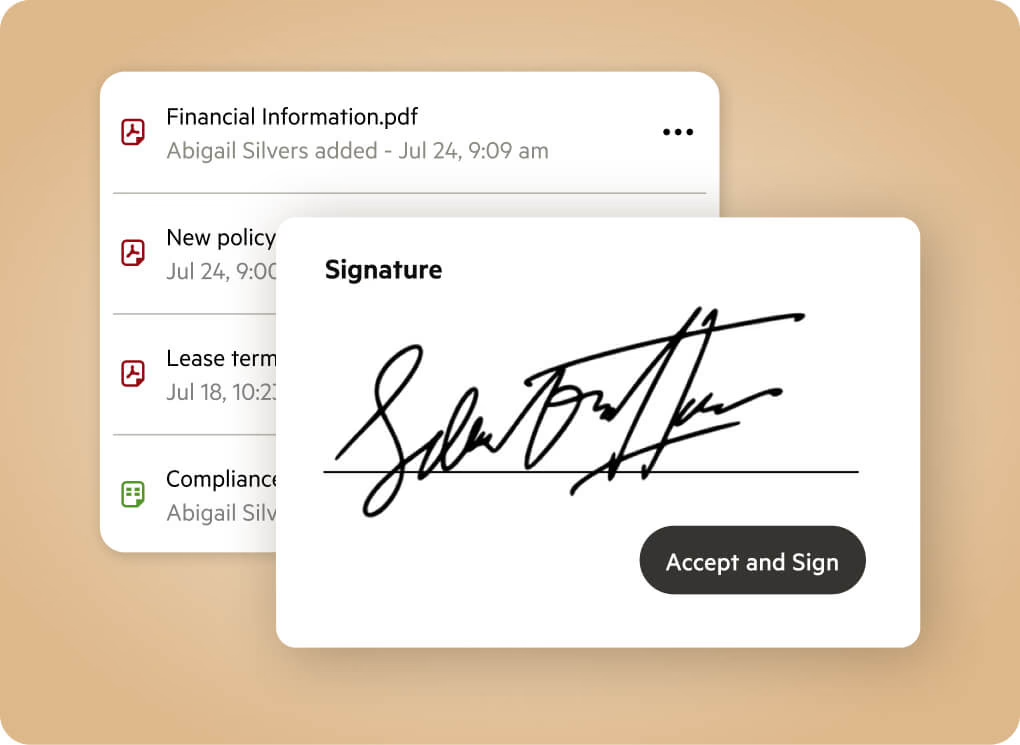
Approvals and signatures are handled directly in Karbon, so you can review and approve quickly without emailing files back and forth.
If you manage multiple companies, Karbon gives you separate dashboards for each one, all under a single login. You can switch between companies easily while keeping documents and requests clearly organized.
Mobile App Access
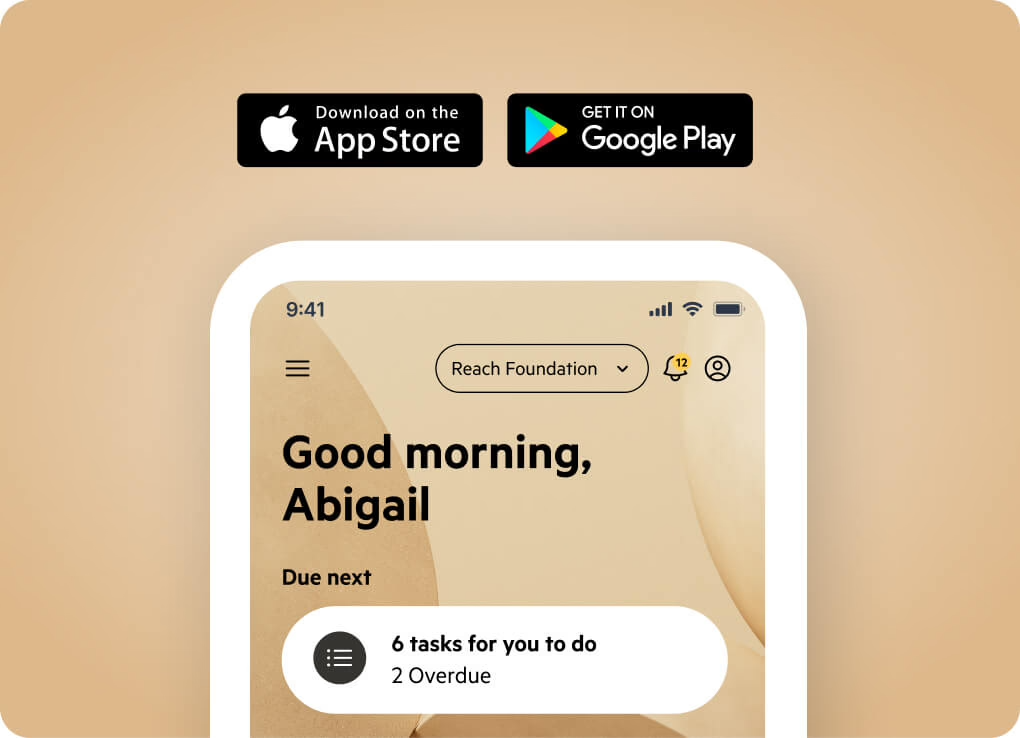
You can also access the client portal on your phone using the Karbon for Clients mobile app.
The mobile app allows you to upload documents, respond to requests, and stay on top of updates while you are on the go.